
Problem
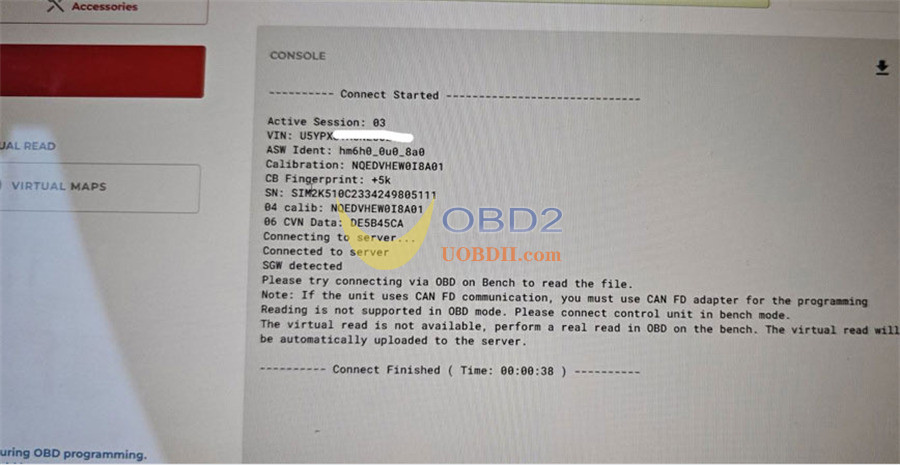
While attempting to read a Kefico SIM2K-510 ECU on a 2024 Hyundai Sportage using Flex ECU programmer via OBD, the software displays:
SGW Detected
As a result:
- OBD communication cannot be established.
- Bench communication may return an error.
- The ECU cannot be accessed through the standard connection setup.
Cause
The vehicle uses:
- CAN FD communication
- Secure Gateway (SGW) protection
When SGW is detected, additional CAN FD hardware support is required to communicate with the ECU.
Solution
Use FLX4.4 CAN FD Adapter together with Flex.
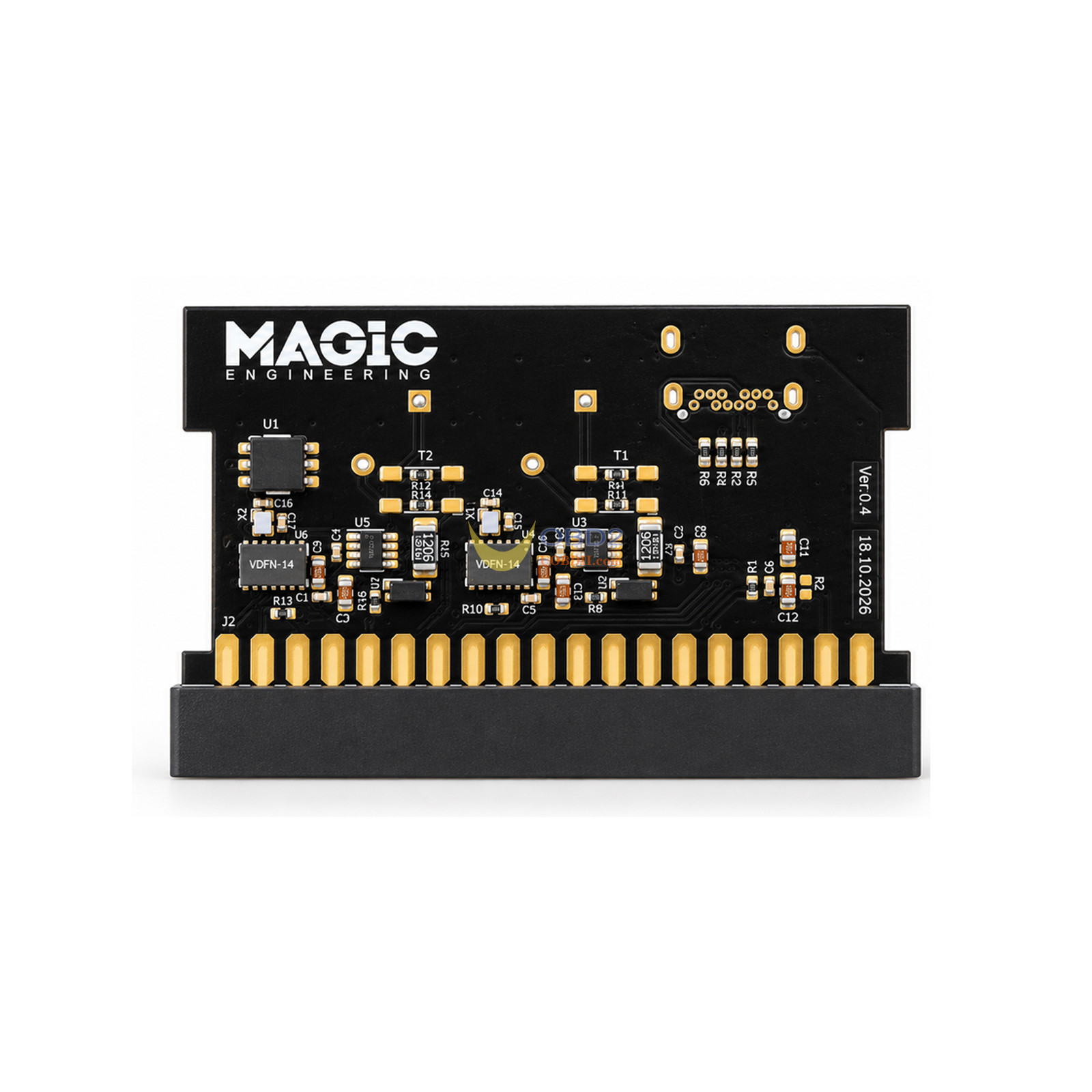
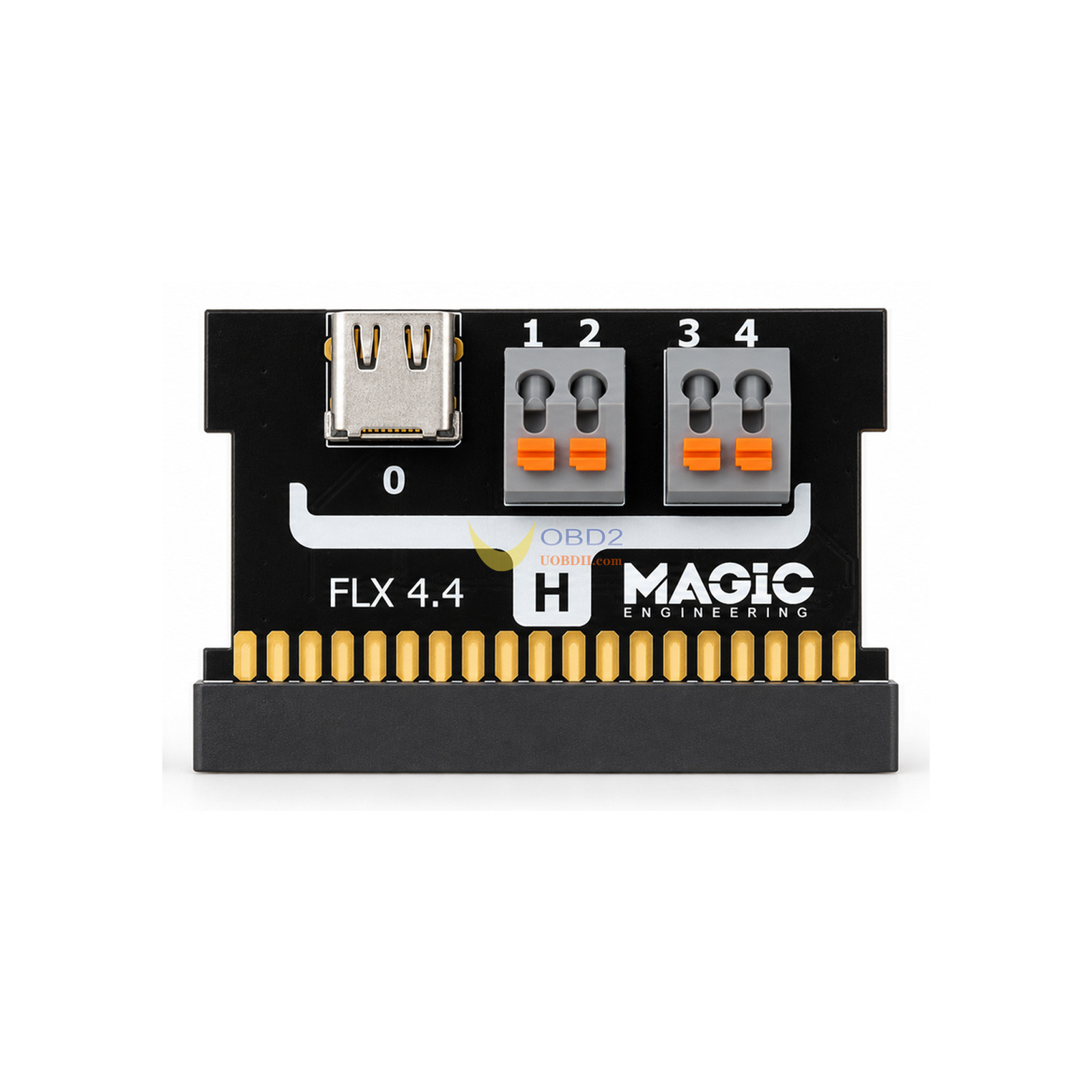
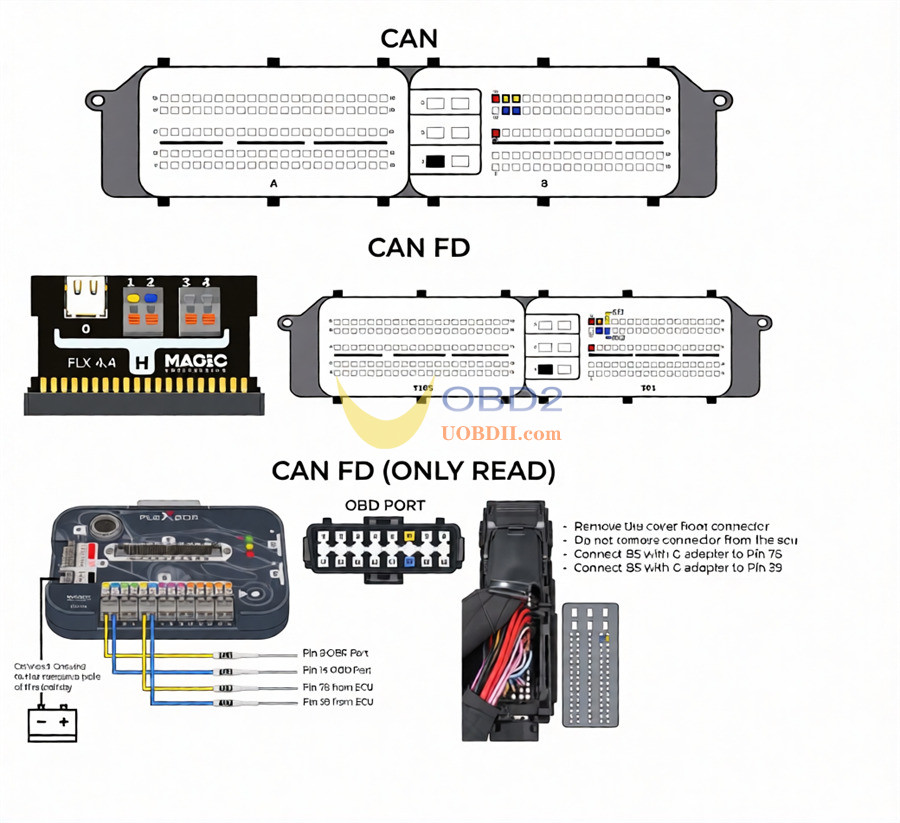
The adapter is required for communication with CAN FD SIM2K-510 ECUs that are protected by a Secure Gateway.
After connecting the FLX4.4 adapter, ECU reading operations can be performed using the supported protocol.
Frequently Asked Question
Is the CAN FD Adapter Required for All SIM2K-510 Vehicles?
No.
FLX4.4 adapter is required only when the vehicle is equipped with a Secure Gateway (SGW).
Technical Notes
Supported Communication
- CAN FD ECU communication
- SIM2K-510 protocol operations
- Bench reading through OBD protocol
Important Requirement
Even when reading the ECU in Bench mode through the OBD protocol, the FLX4.4 CAN FD adapter is required for compatible CAN FD versions.
Quick Reference
| Item | Information |
| ECU | Kefico SIM2K-510 |
| Vehicle Example | 2024 Hyundai Sportage |
| Error Message | SGW Detected |
| Communication Type | CAN FD |
| Required Adapter | FLX4.4 CAN FD Adapter |
| Bench Reading | Supported |
| FLX4.4 Required for Bench Reading | Yes |
| Required for All Vehicles | No, only SGW-equipped vehicles |
When encountering an SGW Detected message on a Hyundai or Kia SIM2K-510 ECU, verify whether the vehicle uses a protected gateway and connect the FLX4.4 adapter before proceeding.
Something Important to Know:
BEFORE WORKING ON A SIM2K-510, CHECK THE CAR AND DISCONNECT:
- Any external alarm system connected to the CAN bus
- Any SCR/AdBlue emulator connected to the CAN bus
- Any OEM multimedia system connected to the CAN bus
Any other device connected to the CAN bus that is not original equipment of the car
If any of these devices is connected, communication breaks and the ECU is permanently bricked. It cannot be recovered.
Other precautions
- Use a stabilised power supply (about 13 V). The unlock does not start below 12.5 V.
- Never interrupt the unlock. The Flex asks for confirmation before starting.
- Keep the internet connection active for the whole operation.
- CAN-FD versions: writing requires the newCAN-FD adapter FLX4.4. With a Secure Gateway ("SGW detected"), connect directly to the ECU (OBD on Bench).
Learn more:
https://blog.uobdii.com/flex-v8-28-0-0-adds-exclusive-kefico-sim2k-510-obd-support/
Post a Comment